GPS Walking Tracker: What to Look For (And Why Most Apps Overcomplicate It)
 Derek Clark · · Updated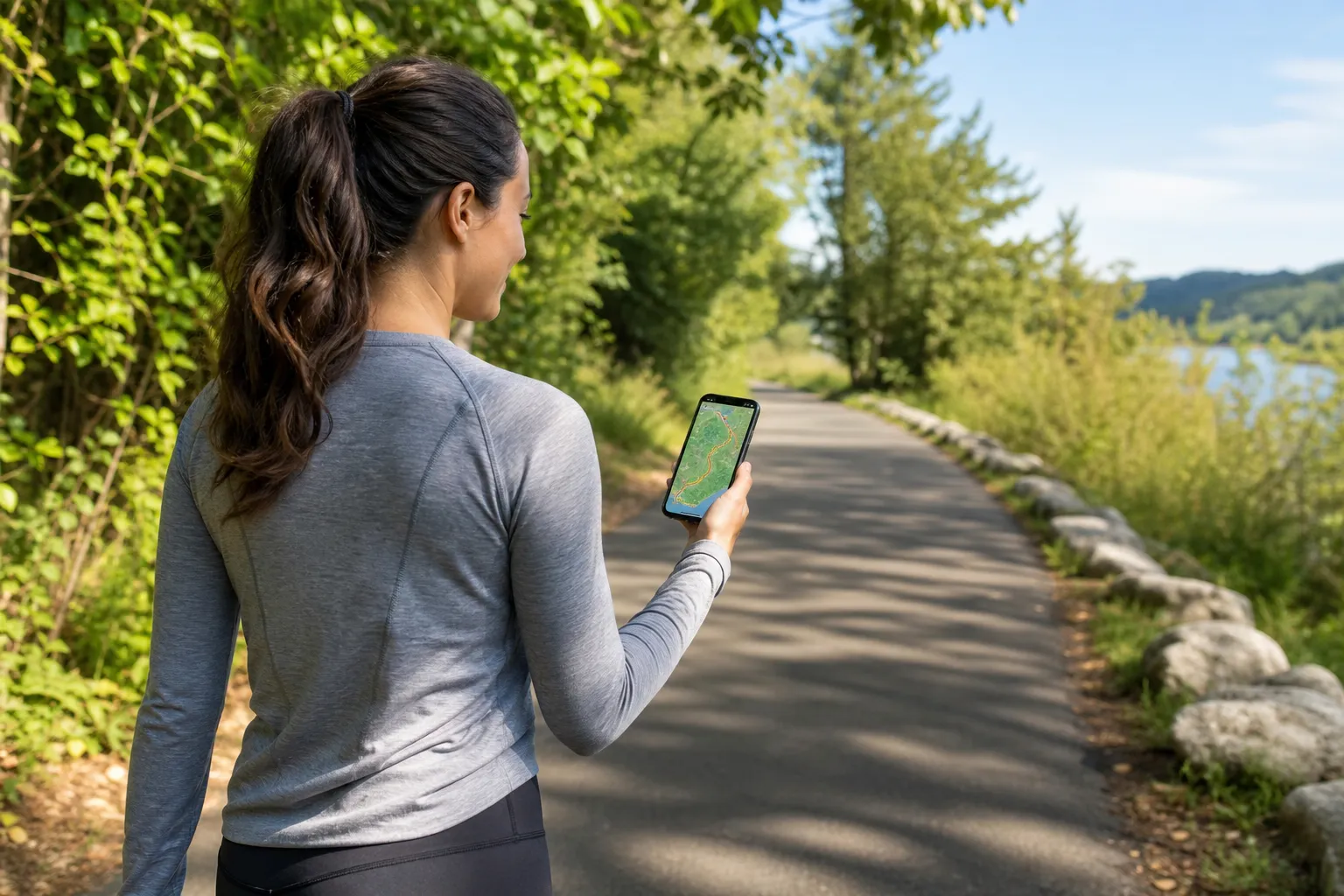
You just want to track your walks. Distance, route, maybe calories. That’s it.
So why does every walking app feel like it was designed for someone training for an ultramarathon?
Most GPS walking trackers pack in features you’ll never touch: VO2 max estimates, lactate thresholds, training load scores. Stuff that makes sense for competitive runners but is completely irrelevant if you’re just trying to walk 30 minutes a day and see how far you went.
The good news? Finding a great GPS walking tracker doesn’t require a sports science degree. You just need to know which features actually matter for walking (there are fewer than you think) and which ones you can safely ignore.
What a GPS Walking Tracker Actually Does
At its core, a GPS walking tracker uses your phone’s (or watch’s) GPS chip to plot your location as you move. It records a series of GPS coordinates, connects the dots, and calculates your distance, pace, and route.
Simple enough. But the quality of that tracking varies a lot between apps.
Some apps ping your GPS every second. Others check in every few seconds to save battery. That difference barely matters on a straight road, but it adds up on a winding trail or a walk through city blocks with lots of turns. More frequent GPS pings mean a more accurate route map and distance reading, but also more battery drain.
If you want the full breakdown, see Photo Calorie Counter Apps: How They Work and Which Is Most Accurate.
For walkers specifically, GPS accuracy from a phone is generally within 3 to 5 meters under open sky. That’s close enough to get reliable distance readings on most walks. You don’t need a dedicated GPS watch unless you’re regularly walking in dense urban canyons or heavy tree cover where phone GPS tends to struggle.
The Features That Actually Matter for Walking
Here’s what to look for in a walking tracker. Nothing more, nothing less.
Accurate Distance Tracking
This is the whole point. Your app should give you a reliable distance reading that doesn’t jump around or add phantom miles. Test it on a known distance (a track or measured path) and see if it’s close. If it consistently reads 0.95 miles on a 1-mile track, that’s fine. If it says 1.3 miles, something’s off.
Route Mapping
Being able to see your walk on a map is genuinely useful. Not just for proof that you actually walked, but for discovering new routes and remembering ones you liked. Look for an app that shows a clean route map after each walk, not one buried three screens deep.
Pace and Duration
Walking pace matters more than most people realize. There’s a real difference between a leisurely stroll and a brisk walk that gets your heart rate up. A good tracker shows your average pace and lets you see where you sped up or slowed down.
Calorie Estimates
Not all calorie calculations are equal. The best trackers factor in your weight, pace, and elevation changes. Some just use a flat “calories per mile” number, which is less accurate. Neither is perfect (calorie estimates from any app are approximations at best), but more inputs generally means a better estimate.
Battery Efficiency
GPS is a battery hog. If your walking tracker kills your phone battery in two hours, you’ll stop using it. Good walking apps balance GPS accuracy with battery management. Some offer a “power saving” mode that reduces GPS frequency, which is usually fine for walking since you’re moving at a predictable speed.
Features You Can Probably Skip
This is where most apps lose the plot. They pile on features designed for competitive athletes and act like everyone needs them. You don’t.
Training plans and coaching. If you’re walking for fitness, you don’t need a structured 12-week periodized training plan. You need to get outside and walk. That’s the plan.
Social feeds and leaderboards. Some people love seeing their friends’ activities. But if a social feed isn’t why you downloaded the app, it shouldn’t be the first thing you see when you open it.
Advanced metrics like VO2 max, running power, or training load. These are designed for serious endurance athletes. They require specific workout types to calculate accurately, and they’re meaningless for casual to moderate walking.
Heart rate zone training. Useful if you’re doing structured cardio intervals. Overkill if you’re walking the dog around the neighborhood.
The pattern here? Most walking apps are actually running apps that added a “walking” mode as an afterthought. The interface, the metrics, the entire design philosophy assumes you’re training for something. If you’re just walking because walking is good for you (and it really is), all that extra stuff just gets in the way.
Phone GPS vs. Smartwatch GPS
One decision you’ll hit early: track with your phone or your watch?
Our guide Can You Track a Walk with Just an Apple Watch? (No Phone Needed) goes into this in more detail.
Both work. But they have different trade-offs.
Phone GPS is what most walking apps use by default. Modern phones have solid GPS chips, and the accuracy is good enough for walking. The downsides: you need to carry your phone (obvious but worth mentioning), and running GPS drains your phone battery faster.
Smartwatch GPS (Apple Watch, Garmin, Fitbit) tends to be slightly more accurate because the watch is on your wrist with a clearer view of the sky, versus a phone buried in a pocket or bag. Watches also let you leave your phone at home. The downside is cost. A GPS-capable watch is a separate investment.
For most walkers, phone GPS is plenty. If you’re already wearing a smartwatch, using its GPS is a nice bonus. But you definitely don’t need to buy a $300 watch to track your walks.
Privacy Is Worth Thinking About
GPS tracking means your app knows exactly where you walk, when you walk, and how often. That’s a lot of personal data.
Some apps share your data with third parties. Some upload your routes publicly by default. Some keep detailed location histories that could be a problem if there’s ever a data breach.
Before committing to an app, check:
- Does it let you keep walks private by default?
- Can you delete your data?
- Does it share or sell your GPS data?
- Do you actually need an account, or can it work without one?
This isn’t paranoia. It’s worth thinking about. Especially if your walking route starts and ends at your home. For more on this, we’ve written about how to hide your home address on Strava, and the same principles apply to any GPS tracking app.
What to Look For (The Quick Version)
If you’re evaluating GPS walking trackers, here’s the short list:
- Does it track distance accurately? Test it.
- Can you see your route on a map? Without clicking through five menus.
- Does it show pace? Average and splits are both useful.
- How fast does it drain your battery? Try a 45-minute walk and check.
- Is the interface clean? Or are you wading through features you’ll never use?
- What does it do with your data? Read the privacy policy. Or at least skim it.
That’s really it. A GPS walking tracker should track your walks accurately, show you useful information, and stay out of your way. If an app does those three things, it’s a good app. Everything else is a bonus.
If you’re looking for a walking tracker that stays focused on tracking (without the clutter), Vima Walk was built specifically for walkers who want simplicity and accurate GPS tracking.
Frequently Asked Questions
How accurate is GPS tracking for walking?
Under open sky, phone GPS is typically accurate within 3 to 5 meters. That translates to distance readings that are usually within 2-3% of the actual distance you walked. Accuracy drops in urban areas with tall buildings, dense tree cover, or indoors. For most outdoor walks, phone GPS gives you a reliable enough reading.
Does GPS walking tracking drain my phone battery?
Yes, GPS is one of the most battery-intensive features on your phone. A typical 30-minute walk might use 5-10% of your battery depending on your phone and the app. Some apps offer power-saving GPS modes that reduce how frequently they check your location, which helps. If battery life is a concern, start your walk with a decent charge and close other apps running in the background.
Do I need a smartwatch to track my walks?
No. Your phone’s GPS works well for walking. A smartwatch offers some convenience (you don’t need to carry your phone) and sometimes slightly better accuracy, but it’s not necessary. Most walkers get perfectly good tracking from a phone app.
What’s the difference between a walking app and a running app?
Functionally, both use GPS to track distance and pace. The difference is in design philosophy. Running apps tend to include training plans, interval timers, cadence tracking, and advanced performance metrics. Walking apps (the good ones, at least) strip away what walkers don’t need and focus on clean distance tracking, route mapping, and basic stats.
We wrote a dedicated post on this: Macro Tracking for Beginners: Simple Guide to Protein, Carbs & Fat.
Can I track walks offline without cell service?
Most GPS walking apps work without cell service because GPS itself doesn’t require a data connection. Your phone communicates directly with satellites. However, the map display usually needs data to load. Some apps let you download maps ahead of time for offline use. Check your app’s settings before heading somewhere without service.

Derek Clark
Co-founder of Vima Fitness. Building simple, privacy-focused fitness apps for iPhone and Apple Watch since 2011. Runner, cyclist, and firm believer that fitness apps shouldn't need a tutorial.