How to Digitize Handwritten Family Recipes (Step by Step)
 Derek Clark · · Updated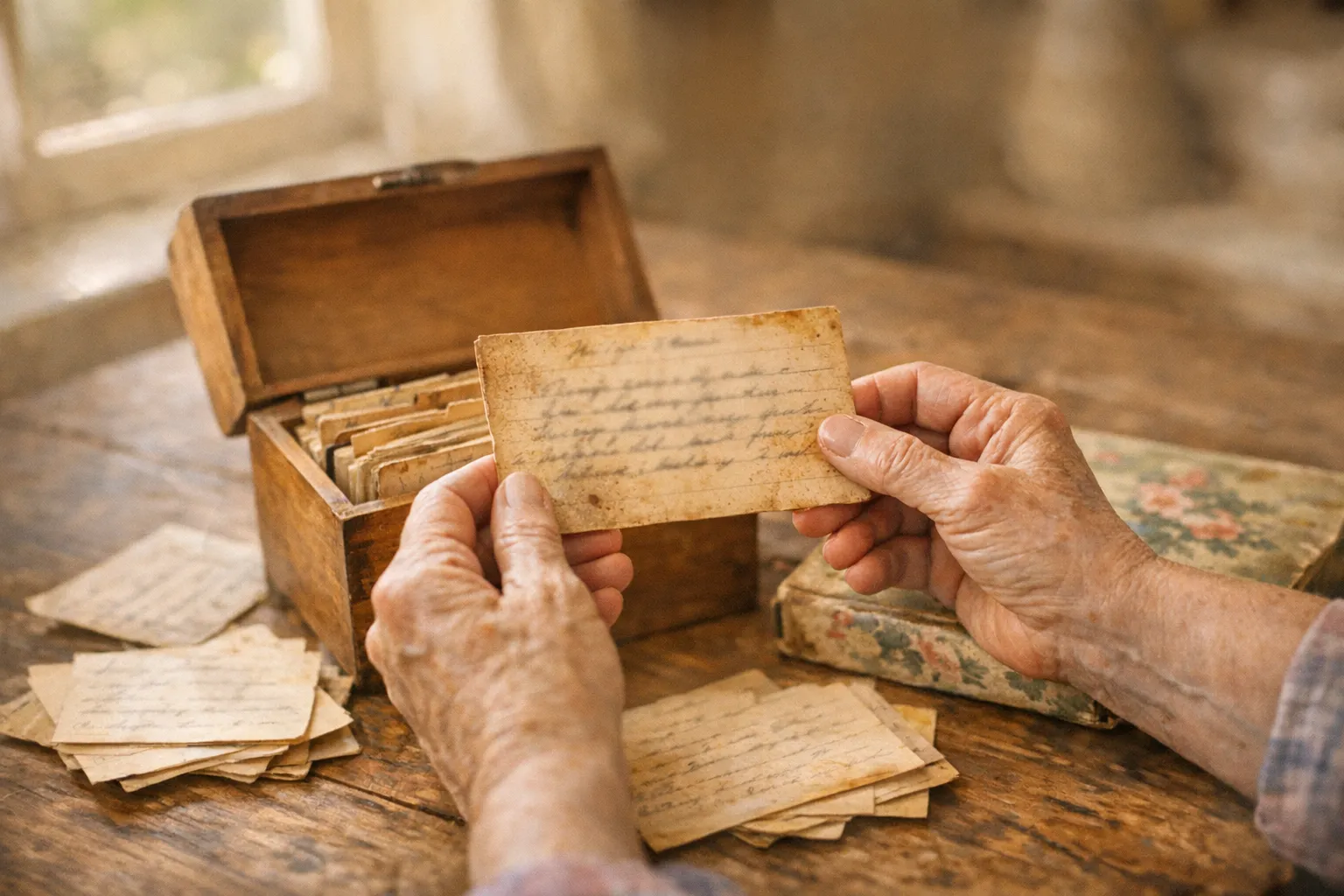
Somewhere in your house, there is probably a recipe box, a splattered index card, or a cookbook with a loved one’s handwriting in the margins. Those cards hold more than instructions. They hold a person’s voice, their shortcuts, and the way they actually cooked. The trouble is that paper does not last. Ink fades, cards tear, grease stains spread, and boxes get lost in a move or scattered when someone passes away.
Digitizing solves the fragility problem. When you digitize family recipes, you create backups that will not fade and that everyone in the family can reach. Done right, you also preserve something the typed version alone cannot: the handwriting itself. This guide walks you through the whole process, from photographing a stained card to sharing a finished family cookbook.
Keep the Handwriting, Not Just the Words
Before you start, decide on your goal. The instinct is to type everything into a clean digital format and move on. Do that, but do not stop there. The handwriting is the heirloom. A scan of a grandmother’s looping cursive, her crossed-out substitutions, and the little note that says “double the cinnamon” carries a weight that a typed ingredient list never will.
So plan to keep two versions of every recipe: a clear photo or scan of the original card, and a typed, searchable version next to it. The typed copy is what you will cook from and search. The scan is what you will treasure and pass down. Storing both together means you never have to choose between usable and sentimental.
Photograph or Scan the Cards First
Everything downstream depends on a good image, so it is worth slowing down here. You do not need special equipment. Your phone camera is enough, and a few free scanning tools make it even easier.
Set up near a window with plenty of natural light. Diffuse daylight is more even and less harsh than a lamp or an overhead bulb, which helps you avoid the shadows that make text hard to read later. The most common mistake is casting a shadow with your own phone or hand. Light usually comes from above, and your device sits between the light and the card. Tilt the phone slightly, or position yourself so the light falls onto the card rather than behind it, and the shadow disappears.
A few more rules make a big difference:
- Lay the card flat on a table or counter. An uneven surface warps the text and confuses scanning tools.
- Shoot one card per photo. Do not try to fit a whole stack in one frame.
- Fill the frame with the card, straight on rather than at an angle.
- Capture the back. Old cards often have notes, substitutions, or a second recipe on the reverse, and those are easy to forget.
For a cleaner result than a plain photo, use a built-in scanner. On an iPhone, the Notes app can scan documents: open a note, tap the attachment button, and choose Scan Documents. It flattens the image, trims the edges, and saves a tidy PDF. Google Drive has a similar scanner on both Android and iPhone, with filters that clean up stains and shadows. Both are free to use and produce far more legible results than a quick snapshot.
Turn the Image Into Text With OCR (and Know Its Limits)
Once you have clear images, you can try optical character recognition (OCR), the technology that reads text inside an image and turns it into editable words. Many scanner apps, including the iPhone and Google Drive scanners above, can pull out printed text automatically. For typed or neatly printed recipe cards, this saves a lot of typing.
Set your expectations for handwriting, though. OCR was built for printed type, and it struggles with cursive, where connected letters blur together and software has trouble telling where one letter ends and the next begins. Accuracy that reaches the high nineties on a printed page can fall sharply on flowing handwriting. The tools are improving, but for now, cursive recipe cards usually need a human to read them.
The practical approach: run OCR to get a rough draft when the writing is print-like, then proofread every line against the original image. For heavy cursive, it is often faster to simply type the recipe yourself while looking at the scan. Either way, you are transcribing, not trusting the machine blindly.
Transcribe and Standardize the Old Recipes
Transcribing is where old family recipes get interesting, because they were written for people who already knew how to cook. Expect gaps and shorthand.
You will run into ingredients that no longer sound familiar. “Oleo,” for example, is an old word for margarine that shows up constantly in recipes from roughly the 1930s through the 1970s. You may see a “moderate oven” instead of a temperature, or measurements like a “teacup” of flour or butter “the size of an egg.” Part of digitizing is quietly translating these so the recipe stays cookable for the next generation.
A few standardizing habits help:
- Fill in missing oven temperatures. A “moderate oven” is roughly 350 degrees Fahrenheit, a “slow oven” is closer to 300, and a “hot oven” is around 425.
- Spell out abbreviations. Turn “T” and “t” into tablespoon and teaspoon so no one guesses wrong.
- Keep the original wording somewhere. If the card says “bake till done,” it is worth preserving that voice even as you add a modern time and temperature in brackets.
The goal is a version someone can actually cook from, without erasing the character of the original. This is exactly why keeping the scan alongside your typed copy matters so much.
Organize the Collection So You Can Find Anything
A pile of digital files is only slightly easier to navigate than a shoebox of cards. The value comes from organizing them so a specific recipe is findable in seconds.
Pick a system that matches how your family thinks about food. Common approaches:
- By person, so all of one relative’s recipes stay together.
- By holiday or occasion, which is how many families actually cook (the Thanksgiving folder, the birthday cake folder).
- By course, the classic cookbook structure: appetizers, mains, sides, desserts.
You can combine these with tags. A single pecan pie might be tagged with a person, “Thanksgiving,” and “dessert” all at once, so it surfaces no matter how you go looking.
This is a natural point to bring in a dedicated recipe app rather than a folder of loose photos. Recipe Organizer by Vima can import a recipe from a photo of a handwritten card, and it lets you tag and search the whole collection, so finding “Grandma’s cornbread” is a quick search rather than a scroll. Keeping the original scan attached to each entry means the handwriting travels with the recipe wherever it goes.
Back Up Everything in More Than One Place
Digitizing only protects your recipes if the digital copies survive. A single folder on one phone is one dropped device away from being gone, which is the same fragility you started with.
Follow a simple version of the 3-2-1 backup rule: keep three copies of your recipes, on two different types of storage, with one copy off-site. In practice, that might mean the files on your computer, a copy in a cloud service like iCloud or Google Drive, and a shared family archive that lives somewhere other than your house.
The shared archive is the part people skip, and it is the most important for a family collection. A shared cloud folder that several relatives can reach means the recipes do not depend on any one person’s device or memory. If one phone dies or one account lapses, the recipes are still safe with everyone else.
Share the Collection With the Whole Family
The last step is the point of the whole project: getting these recipes back into the hands of the people who will cook them.
If you want the full breakdown, see How to Organize Your Recipes So You Actually Cook Them.
A shared cloud folder is the simplest option, and it lets relatives add their own cards to the collection over time. For something more finished, you can compile the recipes into a family cookbook. Plenty of print-on-demand services will turn a collection into a bound book, which makes a genuinely meaningful gift for a wedding, a milestone birthday, or a holiday. A digital version, like a shared album or a simple PDF, is easy to send and easy for everyone to keep on their phones.
However you share it, include the scans of the original handwriting, not just the typed recipes. That is the piece that makes people stop and smile. The words tell them how to make the dish. The handwriting reminds them who it came from.
FAQ
What is the best way to digitize handwritten recipes?
Start by photographing or scanning each card in good natural light, one card per shot, and capture the back if there are notes. Then transcribe the text into a searchable digital format while keeping the original scan attached. A free scanner like Apple Notes or Google Drive handles the imaging well.
Can OCR read handwritten recipe cards?
Sometimes. OCR works reasonably well on typed or neatly printed cards, but it struggles with cursive, where connected letters are hard to separate. For handwritten cards, plan to proofread the results carefully or type them yourself while reading the scan.
Should I keep the original recipe cards after digitizing them?
Yes, if you can. Digital copies protect against loss, but the physical card and its handwriting are the heirloom. At a minimum, keep a high-quality scan of every original alongside your typed version.
How do I handle old measurements and ingredients I do not recognize?
Translate them as you transcribe. “Oleo” means margarine, and a “moderate oven” is about 350 degrees Fahrenheit. Add modern equivalents so the recipe stays cookable, but keep the original wording so nothing is lost.
How should I back up my digitized family recipes?
Keep more than one copy in more than one place. A practical rule is three copies on two types of storage with one off-site, such as your computer, a cloud service, and a shared family folder that relatives can also reach.
What is the easiest way to share recipes with relatives?
A shared cloud folder is the simplest, and it lets others contribute their own cards. For a keepsake, compile the collection into a printed or digital family cookbook, and include the original handwriting scans.

Derek Clark
Co-founder of Vima Fitness. Building simple, privacy-focused fitness apps for iPhone and Apple Watch since 2011. Runner, cyclist, and firm believer that fitness apps shouldn't need a tutorial.