The Best Way to Store Recipes Digitally (A Complete Guide)
 Derek Clark
·
·
Updated
Derek Clark
·
·
Updated
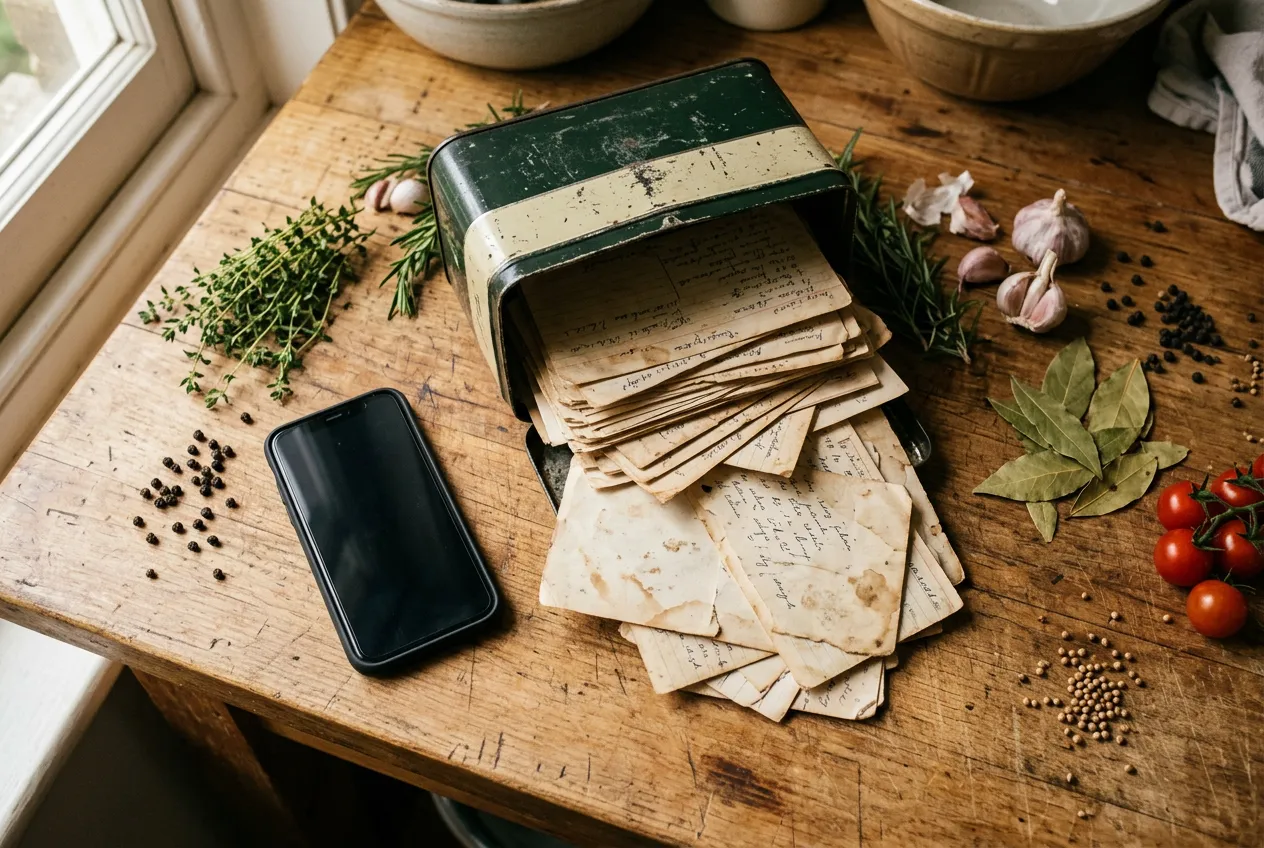
Quick inventory. You’ve probably got recipes in at least four places right now: screenshots buried in your camera roll, a folder of browser bookmarks, a handful of saved Instagram Reels you’ll never find again, and a stack of handwritten cards in a kitchen drawer. Sound about right?
That scattered mess is why figuring out how to store recipes digitally matters more than it sounds. This isn’t about being organized for its own sake. It’s about actually cooking the things you save, which (bonus) is one of the easiest paths to eating better.
So let’s look at the six systems people actually use, where each one shines, where each one falls apart, and how to build a setup that still works five years from now.
The 6 Ways People Actually Store Recipes
1. Notes Apps (Apple Notes, Google Keep)
This is where most people start, and honestly, it’s not a bad start. Notes apps are already on your phone, capture takes seconds, and the text is searchable. Paste a recipe, snap a photo of a cookbook page, share a link from Safari. Done.
Where it shines: speed and zero learning curve. If you cook from saved recipes once or twice a month, a running note might genuinely be all you need. Sharing with a partner is easy too.
Where it breaks down: everything past about 30 recipes. Search finds words, not meaning, so typing “chicken” surfaces every note that mentions chicken stock. There’s no way to scale a recipe from four servings to six without doing math in your head, and no grocery list generation at all. If you saved a link instead of the full text, you’re also betting that website still exists next year. (More on that bet in a minute.) The formatting slowly degrades into chaos: some notes are pasted text, some are photos, some are bare links.
2. Spreadsheets
The spreadsheet crowd is small but devoted. And for one specific job, they’re right. A spreadsheet is a fantastic index. Columns for cuisine, cook time, rating, last-made date. Sort and filter forever. If you love data, meal planning in a spreadsheet can feel like a superpower.
Where it breaks down: actually cooking. Reading instructions crammed into a cell while your hands are covered in flour is miserable. Entering recipes is tedious enough that most spreadsheet systems quietly die within a month or two. No photos worth looking at, no grocery lists, and editing on a phone is painful. Spreadsheets track recipes well. They just don’t hold them well.
3. Browser Bookmarks
One click and the recipe is “saved.” Except it isn’t. A bookmark is a pointer to someone else’s website, and websites disappear at a rate that should worry anyone with a 200-item recipe folder. Pew Research Center analyzed millions of webpages and found that 38% of pages that existed in 2013 were no longer accessible a decade later. Food blogs shut down. Sites get redesigned and URLs change. Recipes get pulled or moved behind paywalls.
Where it shines: as a short-term inbox. Bookmark now, decide later.
Where it breaks down: everywhere else. You can’t search bookmarks by ingredient, can’t cook offline, can’t scale servings, and you typically discover a recipe is dead the exact night you planned to make it.
4. Screenshots and Photos
The camera roll is the default recipe box of the social media era. A recipe pops up mid-scroll, you screenshot it, and it joins 4,000 other photos. It’s also the natural move for handwritten family recipes: snap a photo of grandma’s card and at least it’s preserved somewhere.
Our guide How to Digitize Handwritten Family Recipes (Step by Step) goes into this in more detail.
Where it shines: capture speed. Nothing is faster. And for handwritten cards, a photo preserves the original, stains, cursive, and all.
Where it breaks down: retrieval. A screenshot of a recipe is a picture of text. Phone OCR has gotten surprisingly good at reading it (phones reading food photos in general is a real trend, one we dug into with photo calorie tracking), but your camera roll still isn’t organized around cooking. Multi-step recipes end up split across three screenshots. Nothing generates a grocery list. Six months later, that pasta dish is buried under vacation photos and parking-spot reminders.
5. Pinterest Boards
Pinterest feels like the purpose-built answer. Boards look like cookbooks. Pinning is fun. Discovery is genuinely great, arguably the best of any option here.
But a Pinterest board is really just bookmarks in better outfits. Pins point to external websites, so the same link rot problem applies: when a blog dies, your pin becomes a pretty picture that leads nowhere. Searching within your own boards is clumsy, and there’s no ingredient search, no scaling, no grocery list. Pinterest’s job is to show you more recipes, not to help you find the ones you already saved. Great discovery engine. Unreliable filing cabinet.
6. Dedicated Recipe Manager Apps
This is the category built specifically for the problem, and it shows. A good recipe manager saves the actual recipe (ingredients, steps, photo) rather than a link to it, which means your copy survives even if the source site vanishes. You get ingredient search, serving-size scaling, grocery lists that combine ingredients across recipes, and usually meal planning on top.
Import options have gotten legitimately impressive. Recipe Keeper, for example, imports recipes from Instagram and TikTok and can scan handwritten or printed recipes with OCR. Apps like Vima Recipes take the same everything-in-one-place approach: whatever you save, from a food blog or a Reel or a photographed card, lands in a single searchable collection. And once your recipes live somewhere with real ingredient lists, related jobs like counting calories in homemade meals stop being guesswork.
If you want the full breakdown, see Paprika vs. ReciMe vs. Recipe Keeper: Which Recipe Manager Fits You?.
Where it breaks down: cost and commitment. Most recipe managers put their best features behind a subscription, and free tiers can be tight. ReciMe’s free version, for instance, caps you at 5 recipe imports per week. There’s also real upfront effort if you’re migrating years of scattered saves into one app. Worth it, but not zero.
We wrote a dedicated post on this: The 5 Best Recipe Apps in 2026.
How to Store Recipes Digitally: Build a System That Lasts
The comparison above points at an uncomfortable truth. The tool matters less than the system. Plenty of people own a recipe app and still screenshot everything. So here’s the system, in four steps.
Step 1: Pick one home for everything
The biggest failure mode isn’t choosing the wrong tool. It’s running four tools at half effort. Pick one primary home (for most people that’s a recipe manager, for very light cooks maybe a single well-kept note) and commit. The rule is simple: if a recipe isn’t in the system, it doesn’t exist.
Step 2: Set up a capture workflow
Decide in advance how each type of recipe gets in, so saving takes seconds instead of willpower.
- Web recipes: import through your app’s share sheet or browser extension the moment you find them.
- Instagram and TikTok recipes: use a direct social import if your app supports it. If not, screenshot now and process later.
- Handwritten cards: photograph the whole stack in one sitting. Good light, straight on, one card per shot. Let OCR convert them to text, then keep the original photos too.
- Cookbooks: only capture the recipes you actually make. Nobody needs all 300.
Then do a two-minute weekly triage: move stray screenshots into the system, delete the duds.
Step 3: Organize with tags, not folders
A folder forces every recipe into exactly one box. Is chicken tortilla soup “Chicken,” “Soups,” or “Weeknight”? With tags, it’s all three, and it shows up no matter which way you search. Start small: main ingredient, meal type, effort level (weeknight vs. project), and maybe season. Add a “tested” tag for recipes you’ve actually cooked and liked. Resist building 40 tags on day one. Unused tags are just folders with extra steps.
Step 4: Back it up
Two layers here. First, export your collection a couple of times a year. Most recipe managers can export to a file, and even a clunky PDF export beats losing everything if an app shuts down or your account glitches. Second, for anything irreplaceable (family recipes especially), keep the photos of the original cards in your normal photo backup. And when a bookmarked recipe does go dead, paste the old URL into the Wayback Machine. A huge share of dead pages live on there in archived form.
None of this needs to happen in one weekend. Pick the home, set up the capture flow, and migrate old saves as you cook them. A year from now you’ll have a collection that’s searchable, scalable, backed up, and actually yours. Which is the whole point.
FAQ
What’s the best way to store recipes digitally?
For most people, a dedicated recipe manager app wins because it stores the full recipe instead of a link, then adds ingredient search, serving scaling, and grocery lists. That said, the best system is the one you’ll keep using. A well-maintained notes app beats an abandoned recipe manager every time.
How do I digitize handwritten family recipes?
Photograph every card in one batch session with good light, shooting straight on. Then run them through an app with OCR scanning to get searchable, editable text. Keep the original photos too. The handwriting is part of the heirloom, and the image is your backup if the text conversion gets a word wrong.
Is Pinterest good for storing recipes?
For finding recipes, absolutely. For storing them, not really. Pins link out to external websites, and when those sites disappear or reorganize, your pins die with them. Use Pinterest as a discovery tool, then save the keepers into a system that stores the complete recipe.
How do I save recipes from TikTok and Instagram?
Some recipe managers can import directly from a pasted TikTok or Instagram link, pulling the recipe details from the video’s caption. If your app doesn’t support that, screenshot the recipe and file it during your weekly cleanup. Just don’t rely on the save button inside the social apps themselves. Creators delete videos, accounts go private, and those saved folders quietly rot.
If you want the full breakdown, see How to Save Recipes from TikTok and Instagram (Before You Lose Them).

Derek Clark
Co-founder of Vima Fitness. Building simple, privacy-focused fitness apps for iPhone and Apple Watch since 2011. Runner, cyclist, and firm believer that fitness apps shouldn't need a tutorial.